
How to Create AI Training Videos and Walkthroughs
Learn step-by-step methods for creating effective AI training videos and interactive walkthroughs using AKOOL. Streamline employee onboarding and software adoption with professional video tutorials.

Table of Contents
Benefits of Using AI Training Videos
How to Create Training Videos Using AI?
Types of Training Videos
Best Practices for Creating Effective AI Training Videos
Transform your training process with AI-powered video creation that cuts production time by 80%. Instead of spending weeks filming and editing traditional training content, create professional tutorials, interactive walkthroughs, and process documentation in minutes.
Leading companies like McKinsey and Salesforce are already using AI training videos to boost engagement rates by 45% while maintaining consistent quality across departments.
Learn step-by-step strategies to improve your training program with AI technology in this comprehensive guide.
Benefits of Using AI Training Videos
AI training videos are transforming how organizations deliver knowledge, offering a powerful blend of efficiency and engagement. From rapid content creation to consistent delivery across teams, AI streamlines the entire training process while reducing costs.
Time and Cost Efficiency: Create professional training videos in minutes instead of weeks, reducing production costs by up to 80%.
Consistent Training Delivery: Ensure every employee receives the same high-quality training experience across all departments and locations.
Multilingual Capabilities: Instantly translate training content into multiple languages while maintaining a natural voice and presentation.
Easy Content Updates: Update training materials across all versions with one-click synchronization when processes change.
Scalable Training Solutions: Expand training programs effortlessly from small teams to enterprise-wide deployment without additional overhead.
Personalized Learning Paths: Adapt content difficulty and pace based on individual learning styles and progress.
How to Create Training Videos Using AI?
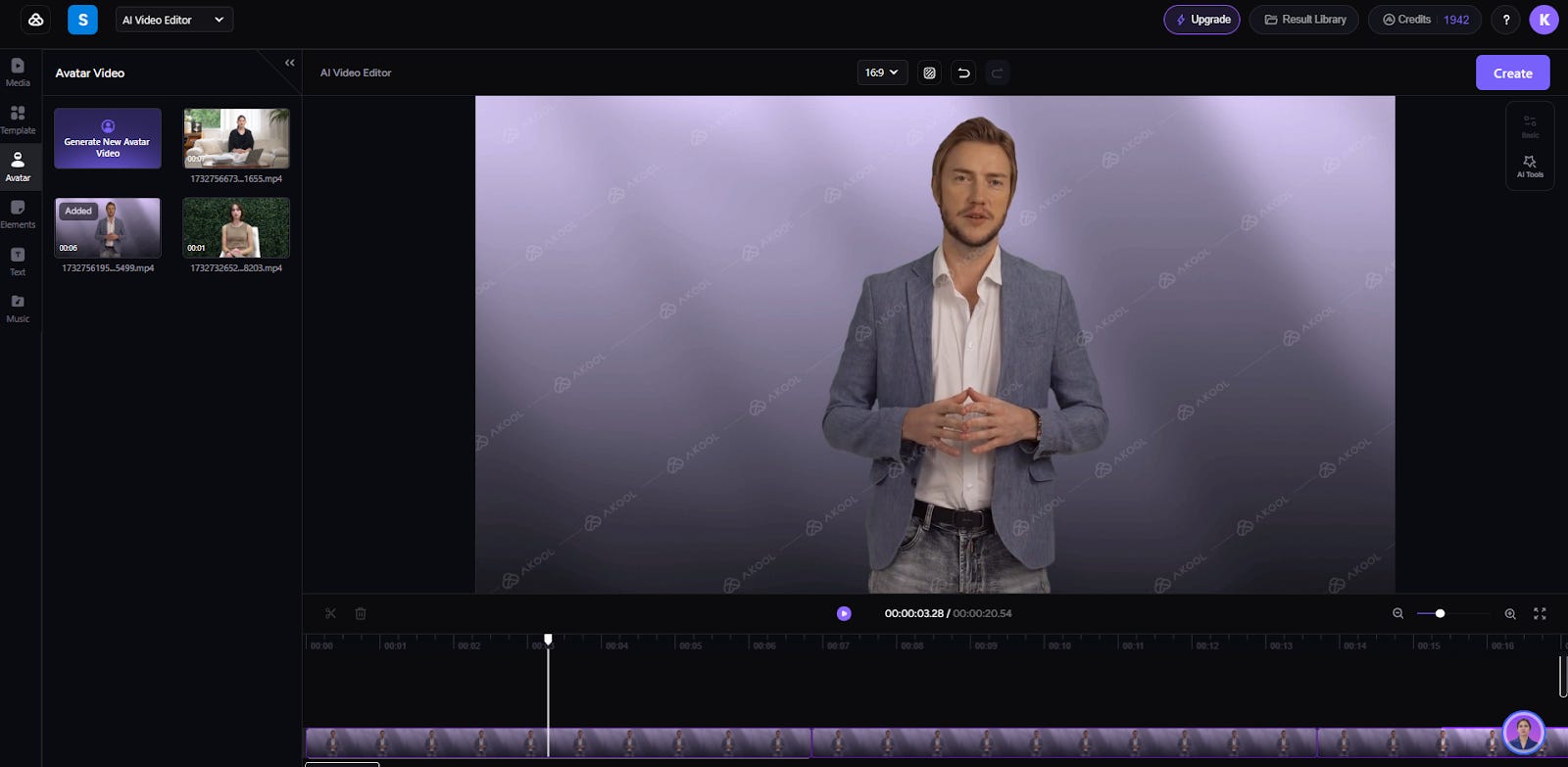
Creating AI training videos is now simpler than ever with modern technology. Whether you're documenting processes or building interactive tutorials to add to your onboarding videos for the corporate team, you can transform your expertise into professional training content by following a structured approach:
Audience Targeting
Define your target audience's technical level and role-specific needs. Map out their existing knowledge gaps and identify key pain points they face in their daily workflows that your corporate training content will address.
Audience Targeting: Step-by-Step Process
Step 1: Profile Your Learners
Review support tickets and common technical issues
Survey departments for software proficiency levels
Document role-specific daily workflows
Categorize audience by skill levels
Step 2: Map Knowledge Gaps
Compare current vs. required competencies
List frequently asked questions by role
Identify productivity challenges
Document recurring technical challenges
Step 3: Define Learning Paths
Create role-based content sequences
Set measurable proficiency milestones
Plan content difficulty progression
Prioritize high-impact training needs
Setting Goals
Establish clear learning objectives and measurable outcomes for each training module, including employee onboarding. Define success metrics like completion rates, knowledge retention scores, and time-to-competency benchmarks.
Setting Goals: Step-by-Step Process
Step 1: Define Learning Objectives
Set specific skill competencies to achieve
List measurable outcomes for each module
Outline required knowledge checkpoints
Define practical application goals
Step 2: Establish Success Metrics
Set minimum completion rate targets
Define knowledge retention benchmarks
Establish time-to-competency goals
Create performance improvement metrics
Step 3: Design Assessment Methods
Create knowledge checkpoints
Plan practical skill assessments
Set up progress-tracking systems
Define certification criteria
Document Key Points
Break down complex processes into distinct, actionable steps. Focus on critical decision points and common pitfalls that learners need to understand. Create a logical flow that builds from foundational concepts to advanced applications.
Document Key Points: Step-by-Step Process
Step 1: Process Breakdown
List all steps in chronological order
Identify critical decision points
Note required tools and resources
Document expected outcomes
Step 2: Identify Common Challenges
List frequent mistakes and solutions
Document troubleshooting steps
Highlight safety considerations
Note system limitations
Step 3: Structure Learning Flow
Organize content from basic to advanced
Create logical transition points
Link related concepts
Design knowledge prerequisites
Script Writing

Write conversational yet professional scripts that follow a clear problem-solution structure. Keep sentences concise, use active voice, and include specific examples that demonstrate practical application.
Script Writing: Step-by-Step Process
Step 1: Create Content Structure
Outline key points in logical order
Map problem-solution sequences
Plan transitions between concepts
Note required demonstrations
Step 2: Draft Script Content
Write in a conversational tone
Use active voice consistently
Include real-world examples
Keep sentences under 15 words
Step 3: Optimize for Delivery
Add natural pauses
Mark emphasis points
Include timing cues
Note visual sync points
Create AI Avatar
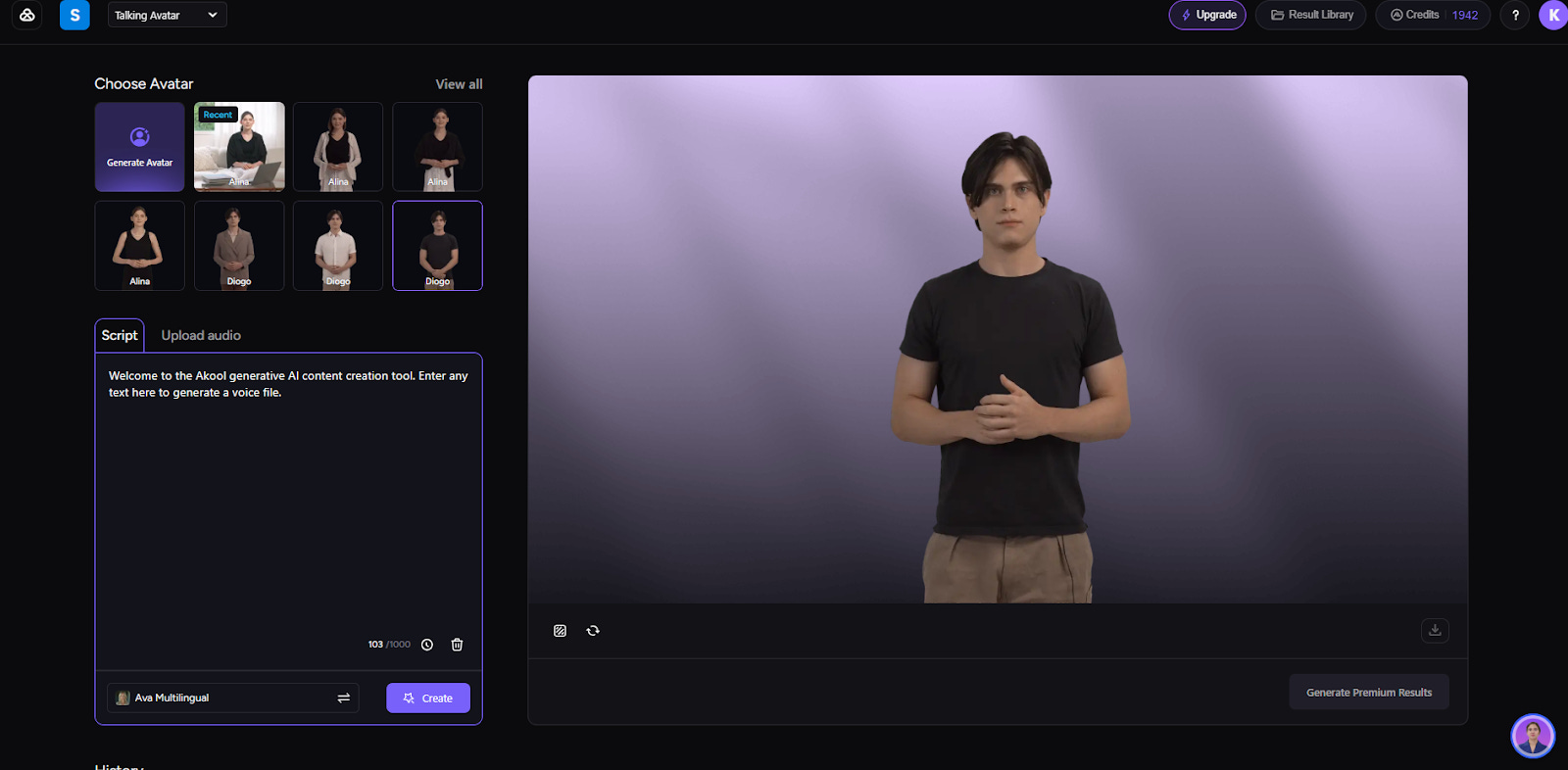
Transform your training content with professional AI Avatars that maintain consistent delivery and engagement. Select from diverse avatar options, customize speech patterns and expressions for your brand voice, and then easily scale across modules. Tools like AKOOL make it simple to generate high-quality avatar videos that deliver polished, professional training experiences.
Create AI Avatar with AKOOL: Step-by-Step Process
Step 1: Avatar Creation
Login to the AKOOL platform
Select 'Create Avatar' option
Choose from the template library or customize a new avatar
Preview avatar appearance and expressions
Step 2: Content and Voice Setup
Upload training script or audio file
Select preferred voice, gender, and language options
Preview voice with sample content
Step 3: Generate Video
Click the 'Generate Video' button
Review preview for quality
Make adjustments if needed
Export final training video
Add Branding Elements
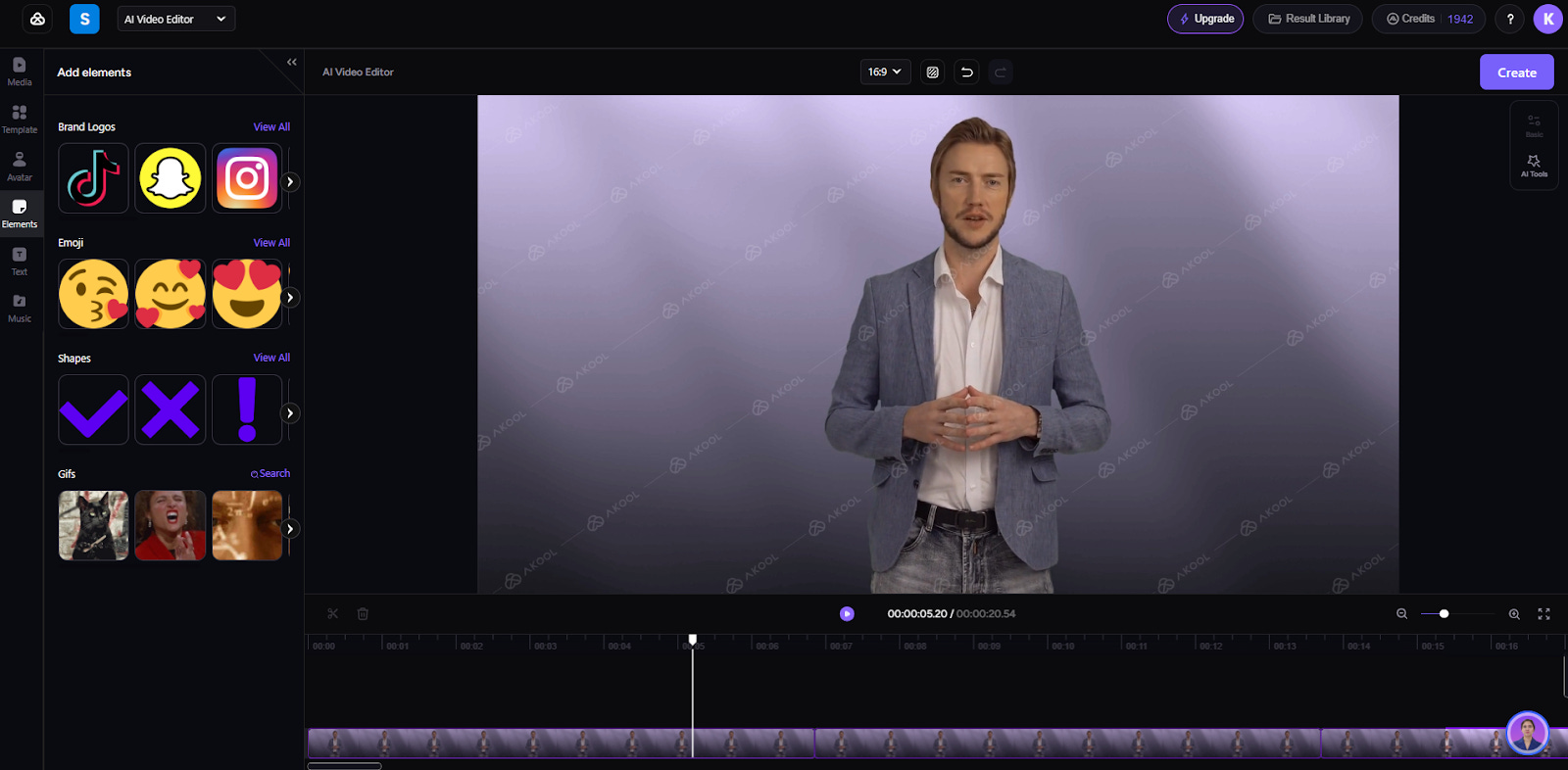
Incorporate your style guide elements strategically. Use branded intros and outros, add background music during key transitions, and maintain consistent visual elements throughout the training sequence.
Add Branding Elements: Step-by-Step Process
Step 1: Visual Identity Setup
Import brand assets (logos, fonts, colors)
Create consistent lower thirds
Set up custom transitions
Design intro/outro templates
Step 2: Audio Enhancement
Choose background music that fits the brand tone
Set audio mixing levels
Add transition sound effects
Balance voice-over with background audio
Step 3: Apply and Review
Place branding elements at strategic points
Test transitions and timing
Check brand consistency
Export final branded video
Types of Training Videos
Training videos come in various formats, each tailored to specific learning objectives and audiences. Choosing the right type ensures your content is engaging, effective, and aligned with your organization’s training goals.
Screencast
Screencast videos capture your screen while walking through processes or software in real time. They’re ideal for teaching technical tasks, demonstrating software functionality, or guiding employees through step-by-step workflows. Adding voiceovers enhances clarity and engagement.
Animated
Animated training videos use graphics, characters, and motion to convey complex ideas in a visually appealing way. They’re great for breaking down abstract concepts or policies which makesthem easier to understand and retain.
Explainer
Explainer videos simplify complex topics into concise, engaging narratives. By combining visuals and storytelling, they help employees quickly grasp key ideas or workflows, making them ideal for onboarding or policy overviews.
Avatar
Avatar-based videos utilize AI-generated characters, like those from AKOOL’s AI Avatar Generator, to create professional, relatable training content. These avatars deliver consistency and personalization, saving time on video production while maintaining a polished look.
Product Tutorials
Product tutorial videos demonstrate how to use a specific product or feature effectively. By focusing on functionality and benefits, these videos help employees and customers maximize their understanding and usage of the product.
Best Practices for Creating Effective AI Training Videos
To ensure your AI training videos are engaging and impactful, follow proven best practices that enhance quality and learner retention. These guidelines focus on creating clear, professional, and goal-driven content.
Know Your Audience: Tailor content to match the skill level and needs of your learners.
Script Quality: Write clear, conversational content that maintains a professional tone while avoiding technical jargon.
Keep it Concise: Deliver information in short, digestible segments to maintain engagement.
Use Quality Visuals: Incorporate high-resolution images, animations, or avatars for a polished look.
Pacing: Keep videos between 3-5 minutes, breaking complex topics into digestible segments.
Audio Quality: Ensure clear narration with proper sound levels and minimal background noise.
Consistent Branding: Maintain visual identity through consistent colors, logos, and design elements.
Test and Iterate: Review your video with a sample audience and refine based on feedback.
Using AKOOL for Your AI Training Videos
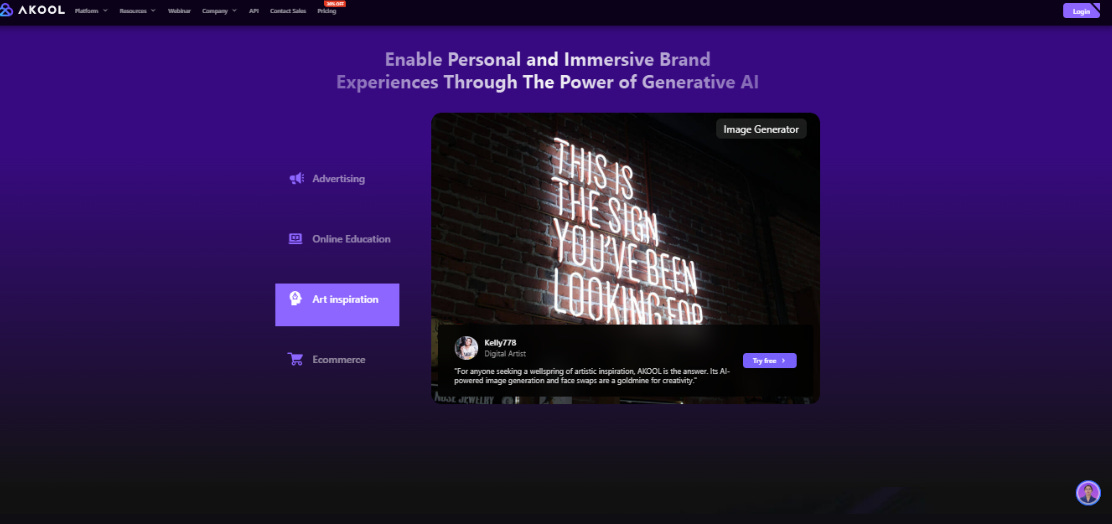
AKOOL streamlines the process of creating AI training videos by providing advanced tools that simplify production and enhance the learner experience. Features like the AI Avatar Generator enable you to create professional, interactive characters to deliver training content with consistency and polish, saving time and resources.
Additionally, AKOOL’s platform offers tools like AI Background Generator and Talking Photo Tool to add visual appeal and engagement. These features make it easy to customize videos with branding and interactive elements tailored to your audience.
Whether you’re crafting onboarding tutorials or technical walkthroughs, AKOOL’s suite of tools ensures a seamless, efficient creation process. By utilizing its AI-powered capabilities, you can produce high-quality training videos that boost knowledge retention and align with your organizational goals.